

Broadband expansion in rural Ecuador
A farm business, a school or a small office in a rural parish share the same problem: without a stable connection, they cannot use online invoicing, video calls, cloud systems or remote cameras. Rural connectivity is one of the most visible digital gaps in the country, and also one of the ones that sound technical decisions can solve the most. This post explains what is being proposed nationally and what options you have, whether you are an SME or a municipality.
The context: a declared priority
Access to information and communication technologies is recognized as a right in Ecuador's Constitution, and ARCOTEL oversees that providers meet their universal access and service obligations. Its Institutional Strategic Plan 2025-2029 sets among its objectives reducing digital gaps, expanding the regulatory framework to promote equitable access in rural parishes and cantonal seats, and expanding connectivity in unserved or limited-access areas. For its part, the Universal Service Plan 2022-2025 includes an access and connectivity program focused on educational institutions, especially in rural areas.
These are plans and objectives, not guarantees of coverage in your area. Before relying on a promise, check which operators actually reach your location.
Technologies available for rural areas
- Fiber optic: the best option for capacity and stability, but the most expensive to lay when distances are long and the population is scattered.
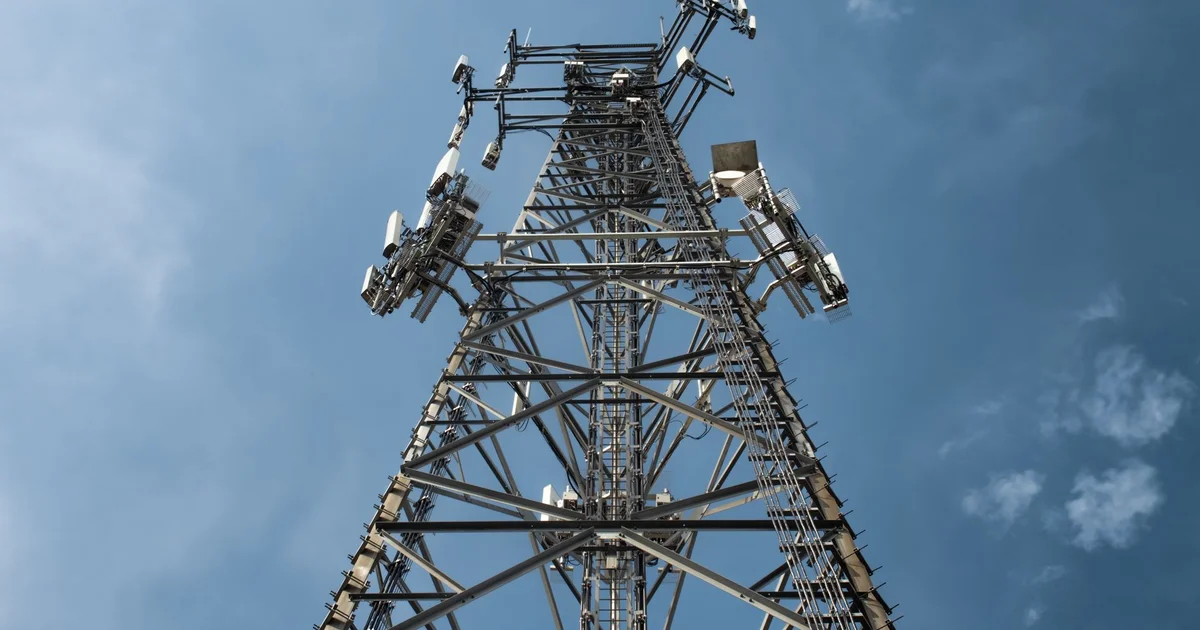
- Radio links (microwave or point-to-point links): they connect your site to a fiber point through antennas, with line of sight. They are a common solution for medium distances. Check with your provider whether the equipment uses spectrum that requires authorization.
- Satellite internet: it reaches where nothing else does. It usually has higher latency and a higher monthly cost, but for isolated sites it may be the only option.
- Mobile networks (4G and 5G): they work where operators have coverage. Use them as a backup or as the main link at small sites, checking the signal at the exact location.
What to do before you sign up
- Define what you need. How many people connect, which applications you use (email, invoicing, video calls, cameras) and how much upload you need. Remote cameras and cloud backups use more upload than download.
- Check real coverage. Ask providers for a technical visit or an on-site test, not just a map.
- Compare by type of service. Ask about contracted speed, whether it is shared or dedicated, repair time and local support.
- Plan the internal network. A good link is of little use if the Wi-Fi at the premises is poor or the cabling is badly done.
- Have a backup. A second link on a different technology (for example, a main radio link and a mobile backup) keeps you from being cut off.
- Plan for power. Outages are frequent in rural areas. A UPS or a small solar supply for the network equipment makes a difference.
Common mistakes
- Contracting only on price or on the speed the brochure promises. Stability, latency and support matter just as much or more.
- Installing antennas without studying the site. A tree, a hill or poor alignment degrades the link.
- Not protecting outdoor equipment. Lack of grounding and surge protection shortens the life of the installation.
- Not monitoring the link. If nobody watches the connection, you find out about the failure when there are already losses.
- Sharing the network without control. Without segmentation or strong passwords, anyone can use up your bandwidth or reach your equipment.
When each option makes sense and when it does not
There is no ideal technology for every case: the decision depends on distance, number of users, budget and how critical the connection is for your operation.
Fiber makes sense if there is a nearby network and several users to share the cost. A radio link makes sense when there is line of sight to a point with a good connection. Satellite makes sense at isolated sites with no other alternative, but it is not ideal for latency-sensitive applications. Mobile networks work for small sites and as a backup, but less so for an operation with many cameras or users.
How SimCodec helps
We design networks and links for sites with limited connectivity, we do the internal structured cabling and we set up monitoring so you know the state of your connection in real time. If your office, farm or municipality needs better connectivity, write to us and we will assess your case on site.
Sources
- ARCOTEL, Institutional Strategic Plan 2025-2029.
- Ministry of Telecommunications, Universal Service Plan 2022-2025.
What progress has Ecuador made in rural connectivity in 2026?
More than 500 kilometers of new fiber optic cable have been laid in areas that previously only had microwave coverage, and government programs are bringing internet to rural communities via satellite and microwave solutions.
Why does connectivity matter for Ecuadorian businesses?
65% of Ecuadorian companies consider connectivity critical to their growth, yet only 40% have the infrastructure they need; high-speed connectivity is linked to a 20% increase in productivity.
What challenges remain in bringing broadband to rural areas?
Public investment remains insufficient, the rural-urban gap persists, there is a shortage of specialized talent, and regulatory frameworks hinder private investment in some sectors.