

Networks for multi-branch locations: secure and scalable
When a company opens its second or third branch, the network stops being "the office internet" and becomes the backbone of the business: each store's cash register, shared inventory, cameras, telephony and access to central systems depend on every site being well connected and secure. This guide explains how to design a network for multi-branch businesses in Ecuador, which decisions matter and which mistakes come up most often.
The typical problem
Many SMEs grow site by site: each store buys its own internet plan, installs a home router and shares files however it can. The result is a network that is hard to manage: every branch works differently, nobody knows which devices are connected, backups are irregular and, if one store's internet fails, that branch is cut off from the central system.
How to connect the branches
There are three usual ways to link sites. The choice depends on your budget, the services contracted with your providers and how much downtime you can tolerate:
- VPN over the internet: encrypted tunnels (for example WireGuard or IPsec) between sites using ordinary internet links. It is the cheapest option and enough for most SMEs.
- SD-WAN: manages several links from a central dashboard, prioritizes important traffic (cash registers, voice, systems) and switches links automatically if one fails.
- Dedicated links or MPLS contracted from the carrier: they offer conditions guaranteed by contract, but cost more. They are usually justified when a site is critical.
You can also combine them: a VPN between all sites and a dedicated link only for headquarters or the data center.
What every branch should have
- A manageable firewall or router, with the same configuration template at every site.
- Network segmentation (VLANs): separate the cash register and systems network, the office network, the camera network and guest WiFi. If one gets infected, it does not spread to the others.
- A second backup link, even if it is mobile data, so the branch keeps operating if the main one goes down.
- Managed switches and WiFi with central management, to see and update everything from one place.
- UPS for network equipment: a backup link is of little use if the router shuts off with the power.
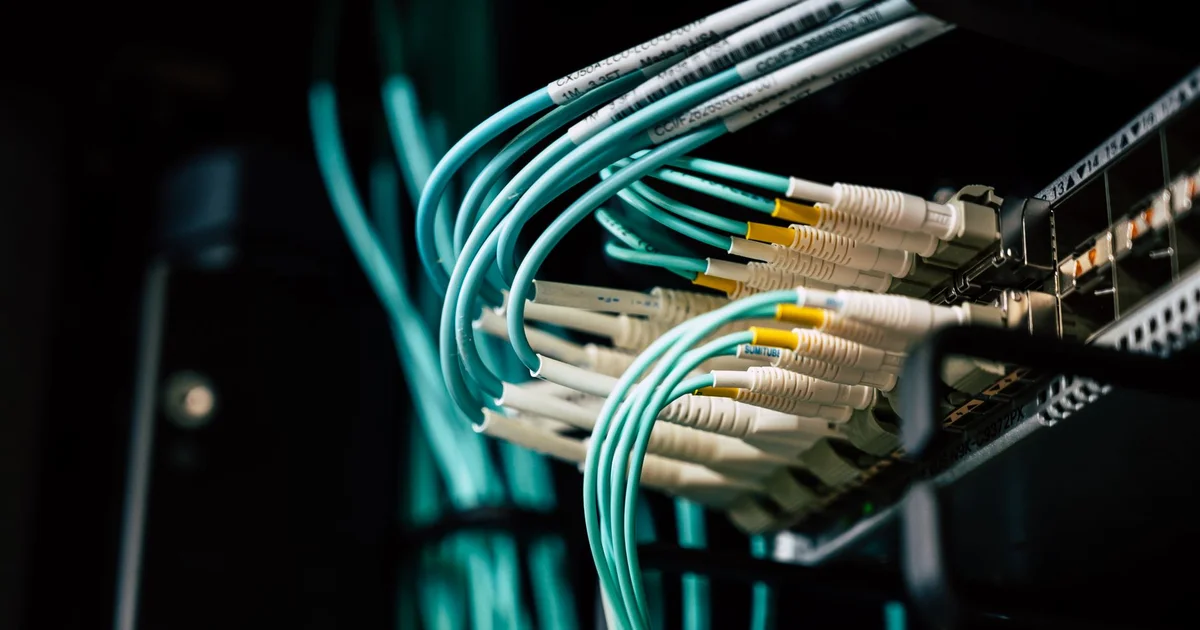
- Neat, labeled structured cabling, which eases maintenance and avoids hard-to-trace faults.
What to do: steps to organize your network
- Take an inventory per branch: internet provider, contracted speed, network equipment, cameras, printers, registers and who administers them.
- Define what must always work: for example, electronic invoicing with the SRI, card payments or access to the ERP. Those services get priority in the design.
- Standardize: same brand or equipment family, same IP addressing scheme and same security rules at every store.
- Create the tunnels and VLANs, and test what happens when a link is cut before calling the project done.
- Centralize management and monitoring: alerts when a site disconnects, when a device stops responding or when a link saturates.
- Document: network diagram, addresses, access and owners. That way the network does not depend on one person's memory.
Basic security between sites
Change factory passwords, enable two-factor authentication on remote access, keep firmware updated and limit access between branches to what is necessary. Also, customer and employee data moving between sites is subject to Ecuador's Personal Data Protection Law (LOPDP), so it is best to encrypt it in transit and allow access only to those who need it.
When it makes sense and when it does not
A centralized, standardized network makes sense from the second or third site, when you share systems between stores or when you cannot afford a branch being unable to operate. If you have two stores that share no information or systems, a simple VPN and a good backup may be enough; investing in SD-WAN or dedicated links would be excessive.
Common mistakes
- Using home equipment in branches and expecting corporate performance.
- A single flat network where cameras, registers and visitor WiFi are mixed.
- No backup link and no UPS on network equipment.
- Designing without thinking about growth: IP addresses that clash when a new site opens.
- No documentation or monitoring: nobody learns of a failure until the store complains.
How we approach it at SimCodec
At SimCodec we design, implement and maintain networks for multi-site companies: secure connectivity between branches, segmentation, corporate WiFi and backup links, with certified structured cabling. And with our monitoring service we watch that every site stays online. Our projects start with a survey of each store and end with a solution you can extend when you open the next branch.
About to open a new site, or is your current network giving you trouble? Write to us and we will review your case.
Sources
- WireGuard, Quickstart.
- National Assembly of Ecuador, Ley Orgánica de Protección de Datos Personales (Fifth Supplement of Official Register No. 459, May 26, 2021).
What percentage of Ecuadorian companies see connectivity as critical, and how many have the infrastructure they need?
65% of Ecuadorian companies consider connectivity a critical factor for growth, but only 40% have the infrastructure they need, according to the Ministry of Infrastructure and Technology cited in the article.
What benefits does a robust network infrastructure bring to multi-branch companies?
The article notes that companies with high-speed connectivity report a 20% increase in productivity, and that migrating to cloud infrastructure reduces IT costs by 15% to 30%.
What infrastructure advances have been made in Ecuador to improve connectivity between branch locations?
In 2026, more than 500 kilometers of new fiber optic cable were laid, major cities now have pilot 5G coverage of up to 1 Gbps, and new Tier III and Tier IV data centers are operating in Quito, Guayaquil, and Cuenca.